 BeatOpen
How do you chop and rearrange a sample?
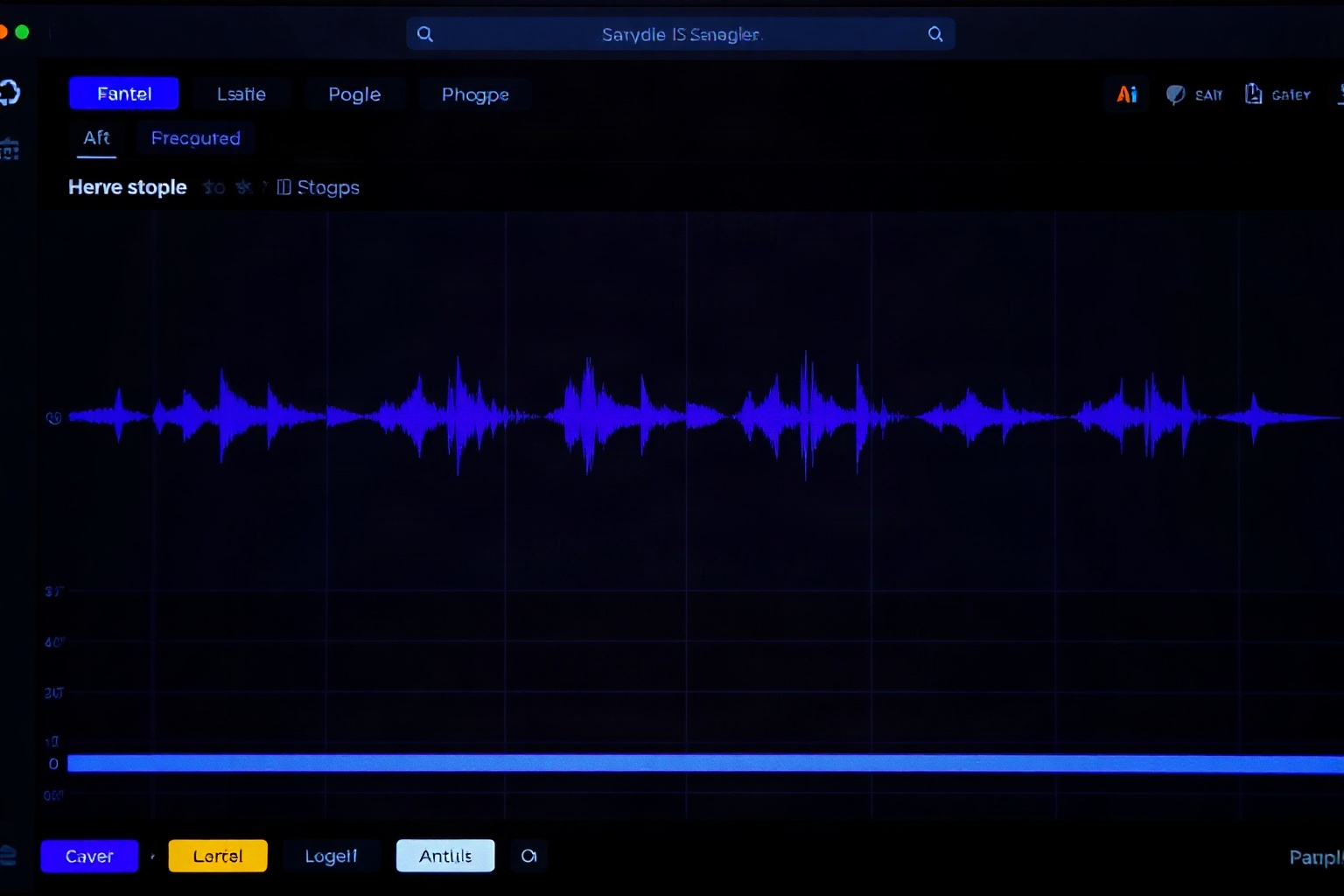
Find the useful section
Chopping usually starts by isolating a short, musical section of a sample, then cutting it at natural points such as the start of each beat or note. Many samplers can detect these transients automatically to speed up the process.
Map the slices and play them
Once cut, slices are often mapped across a keyboard or pad grid so they can be replayed in a new order. This is where a sample becomes a new part rather than a copied loop, since the producer decides the rhythm and sequence.
Match key and tempo
Pitching slices to a common key and aligning them to the project tempo helps the chops sit with the rest of the track. Time-stretching and pitch tools make this possible, though pushing them too far can introduce artefacts, so moderate changes usually sound best.
This article is general educational information. Music software, hardware and services change over time, so confirm current details with the maker or provider. Anything involving sample rights, licensing or contracts should be checked against the relevant terms and, where needed, with a qualified professional.
← All production guides